
Plan Your Panel Matrix in Minutes: Meet the Matrix Builder
Posted by SFL Designs on Oct 14th 2026
A panel matrix looks simple from the front: a neat grid of glowing squares. The back is where the counting starts.
Corners need corner mounts. The edges need T joiners. Every seam between two panels needs a dual joiner, and everywhere four panel corners meet needs a quad joiner. Then come the controller cards, the power supplies and a small mountain of screws. Miss one quad joiner in your count and the build stops mid-assembly while the printer catches up. Ask us how we know.
So we built the counting into the page. The Panel Matrix Builder is a free tool that now lives on our Outdoor P5 Panel Joiner and Indoor P5 Panel Joiner pages, and it plans the whole build from two numbers.
Start with two numbers
Tell the builder how many panels wide and how many panels high your matrix is. It takes anything from a single panel up to 64 panels per side, and it draws your matrix on screen as you go.
From those two numbers it counts every printed joiner the frame needs: the corner mounts, the T joiners along the edges, the dual joiners that span the seams between two panels, and the quad joiners that sit where four panel corners meet. You see the exact quantity of each part and the total for the printed parts before anything goes in the cart.
The outdoor page asks one extra question: does your panel have 10 or 12 mounting holes? Panels are drilled differently from one maker to the next, and the joiner has to match the holes you actually have.
When the list looks right, one button adds all the SFL printed parts to your cart with the correct options already selected. Nothing else sneaks in.
How the builder plans your controller cards
Panels do not light themselves. A receiving card is the small circuit board that takes the show data from your player (the computer or player box that runs your display) and feeds it to a group of panels. The builder plans around the Colorlight 5A-75B, the receiving card our mounts are made for.
One card can only run so much matrix: a section at most 16 panels wide and 6 rows tall. Build bigger than that and one card is not enough, so the builder splits the matrix into sections, one section per card.
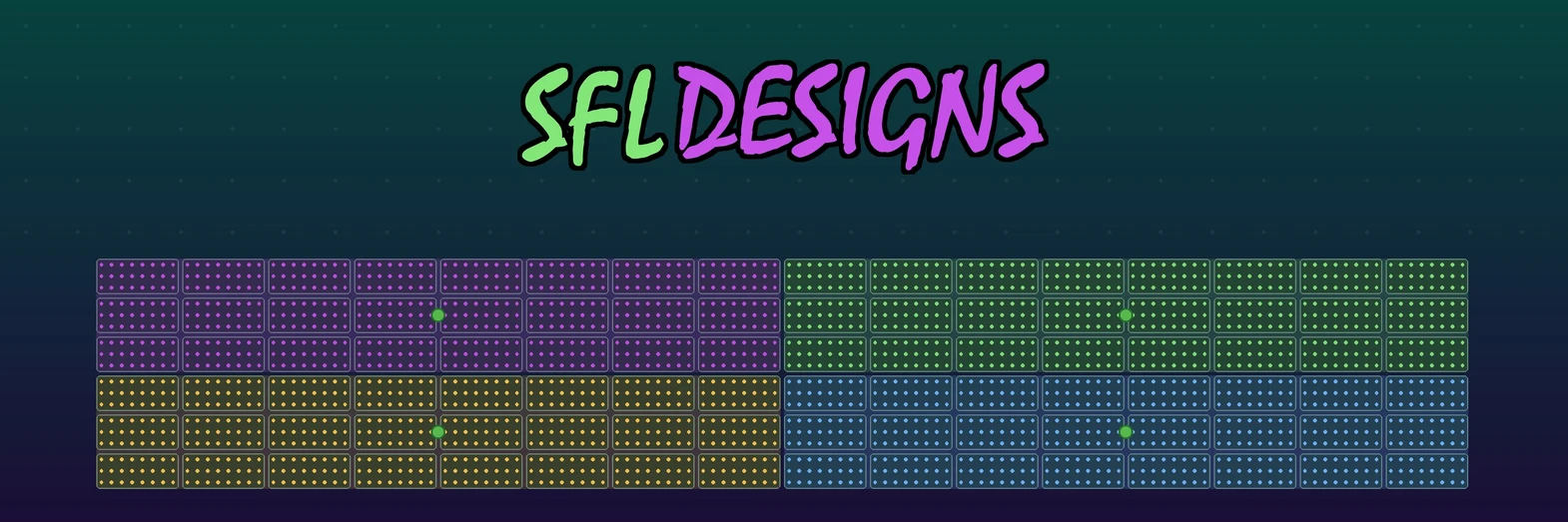
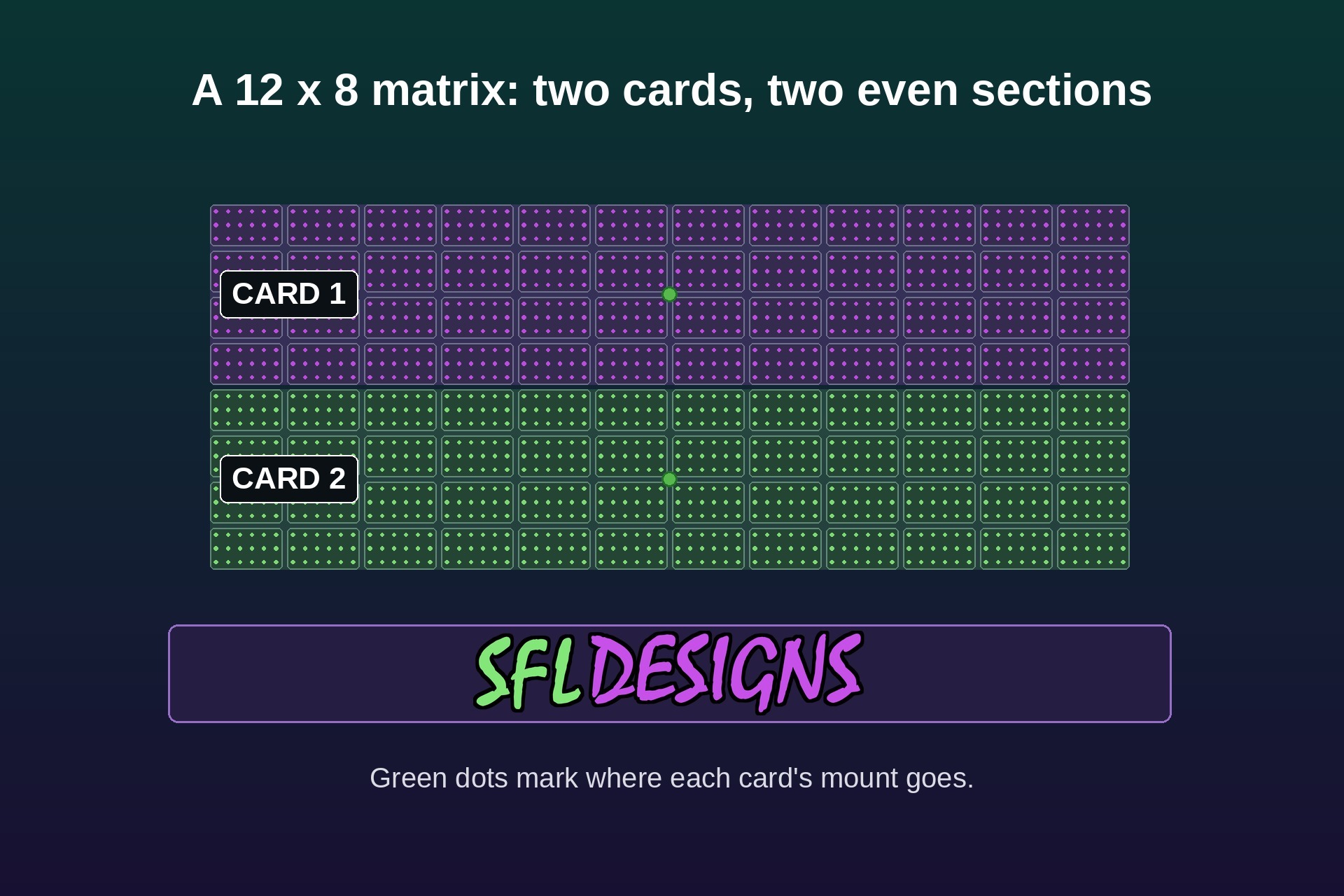
It also splits them fairly. Instead of filling one card to the brim and leaving a skinny leftover strip for the last card, it balances the sections so they come out as even as the panels allow. A matrix that is 12 panels wide and 8 rows tall becomes two sections of four rows each. Each section gets its own color on the diagram, so you can see at a glance which part of the matrix each card runs.
Pick a mount for each card
A controller card needs a mount, and that mount takes the place of one quad joiner where the card sits. So for every card in your build, the builder gives you a dropdown with four choices:
- Standard quad joiner, if that card does not need a mount at its spot
- Raspberry Pi 3/4 mount (the Pi is the small single-board computer many show players are built on)
- Colorlight 5A-75B mount
- The combined mount that holds a Colorlight card and a Pi together
Mix them however your build needs. One card can carry the Pi combo while the rest run plain Colorlight mounts. Green dots on the diagram mark where each chosen mount goes, one in the middle of its card’s section.
The Complete the Build list
Printed joiners are only part of a matrix, so below the builder sits a second list: everything else the build takes, figured from the same two numbers you entered.
- Panels, sold in 2-packs, with a sensible number of spares figured in (one cracked panel should not end your season)
- The Colorlight 5A-75B cards your sections call for
- Mean Well LRS-350-5 power supplies, which turn wall power into the 5 volts the panels run on, sized so the matrix can run at full brightness
- The exact screw count, M4 x 12 mm for outdoor panels and M3 x 12 mm for indoor panels
Each line links to the supplier we recommend for it, YourPixelStore, Wired Watts or McMaster-Carr. Those parts are not added to your cart. The list is a shopping list, not a trap.
Take the plan with you
At the bottom of the builder is a button that downloads a PDF build sheet. It has your matrix diagram with numbered dots showing where every part goes, the full parts list, a what-goes-where guide that matches those numbers, and the supply list from Complete the Build.
Print it, carry it to the workbench, and build from the sheet instead of from memory.
Both pages also carry a short Colorlight 5A-75B reference section under the builder, with the card’s limits in plain words and links to the maker’s own page and a setup video, for anyone who wants the deep end of the pool.
Shop note: Plan the cards before you order parts. The cheapest time to learn that your matrix needs a second controller card is on the screen, not with panels laid out across the garage floor.
The Matrix Builder is live now on both P5 Panel Joiner pages. Punch in the matrix you have been sketching on paper and see the whole build, parts, cards and all, in about a minute.
— Jason, SFL Designs
From our workbench to your display — print it, mount it, light it up.