
Draw It Before You Dance It: xLights Layout and Your First Models
Posted by SFL Designs on Oct 17th 2026
This morning we drew the whole show on paper: pixels, power, controller, props, the works. This afternoon we draw it again, in the software that will run it. Welcome to xLights, and welcome to the least glamorous, most important screen in the whole program: the Layout tab.
xLights is the free software most of this hobby uses to design and sequence light shows. (It pairs with Falcon Player (FPP), which actually plays the show each night; we'll get there in December.) Open xLights for the first time and the sequencer waves at you like a carnival ride: timelines, effects, music. Ignore it. Sequencing is painting, and you haven't built the canvas yet.
What the Layout tab actually is
Layout is where you tell xLights what your yard looks like. Not approximately. Actually: this prop, this shape, this many pixels, sitting right there. Every effect you'll ever place lands on something you define here. A sloppy layout makes a sloppy show no matter how talented the sequencing, because xLights can only light the yard you described to it. Up top, xLights keeps two main tabs: Layout and Sequencer. Everything in this post happens in Layout.
Think of it as the paper map from this morning, made official. Same props. Same names. That is not a coincidence. It's the whole strategy.
Set your canvas: the house preview
The big area in Layout is the preview: a picture of your house and yard that you'll draw your props onto. Most people use a straight-on photo of their own house, a decent phone shot from the street is plenty. To set yours, click on empty space in the preview so nothing is selected. The panel on the left switches to Background Properties, and its first field is Background Image: pick your house photo there. The Width and Height fields under it set the size of your drawing canvas (1280 by 720 is a fine start), and Brightness and Transparency let you fade the photo so your models stand out against it. Then size your props against the photo so a 10-foot arch in the yard is a 10-foot arch on the screen.
Don't gold-plate this step. The photo is a reference, not the show. Streetlight glare, a crooked angle, the neighbor's truck: none of it matters. What matters is that prop sizes and positions are roughly honest, because your eye will judge every effect against this picture all season.
Models: a prop, drawn once, used everywhere
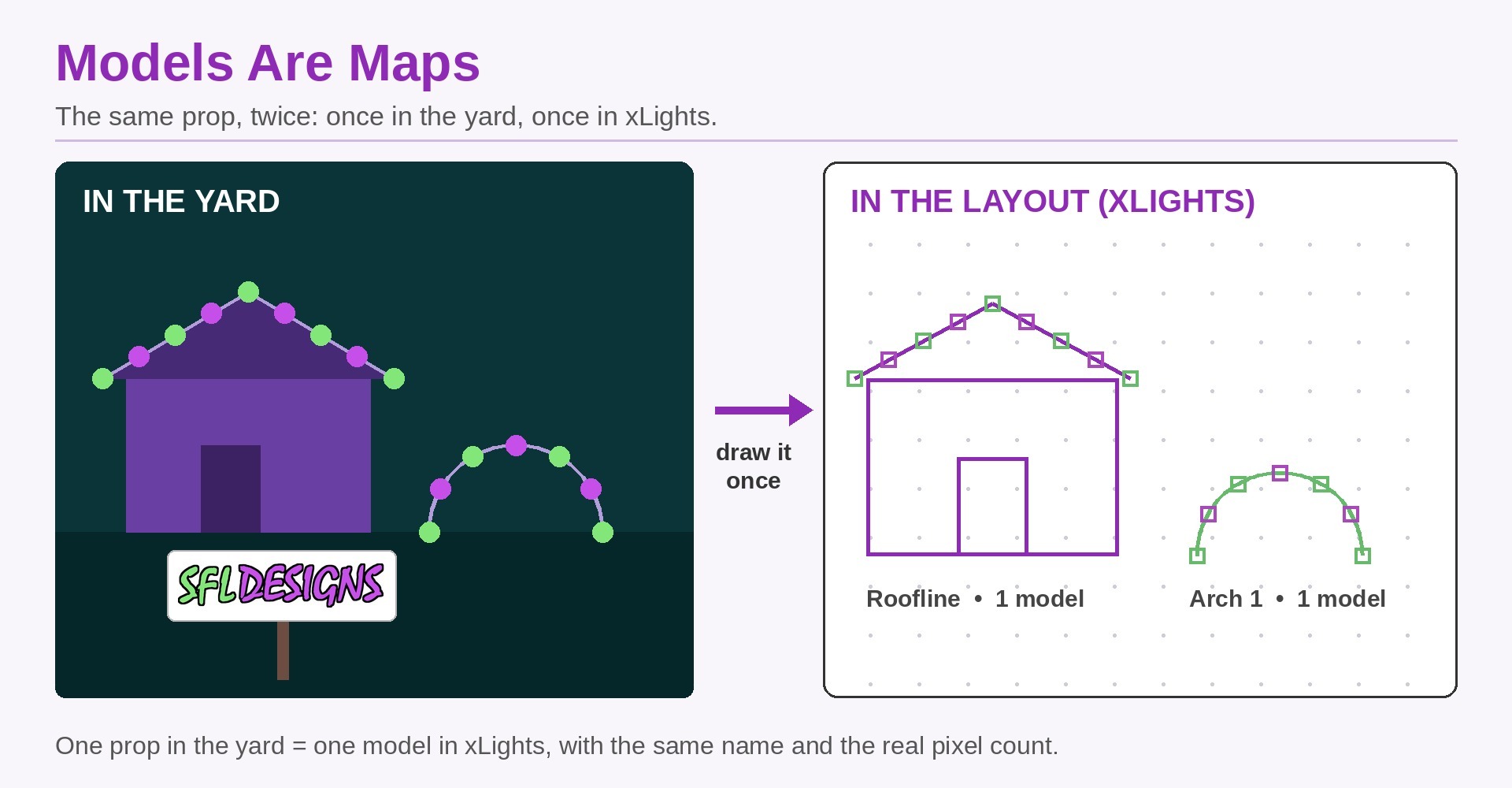
A model is xLights' drawing of one physical prop. One arch in the yard = one arch model. One roofline = one model. The mega tree = one model, even though it's hundreds of pixels, because in the yard it's one thing.
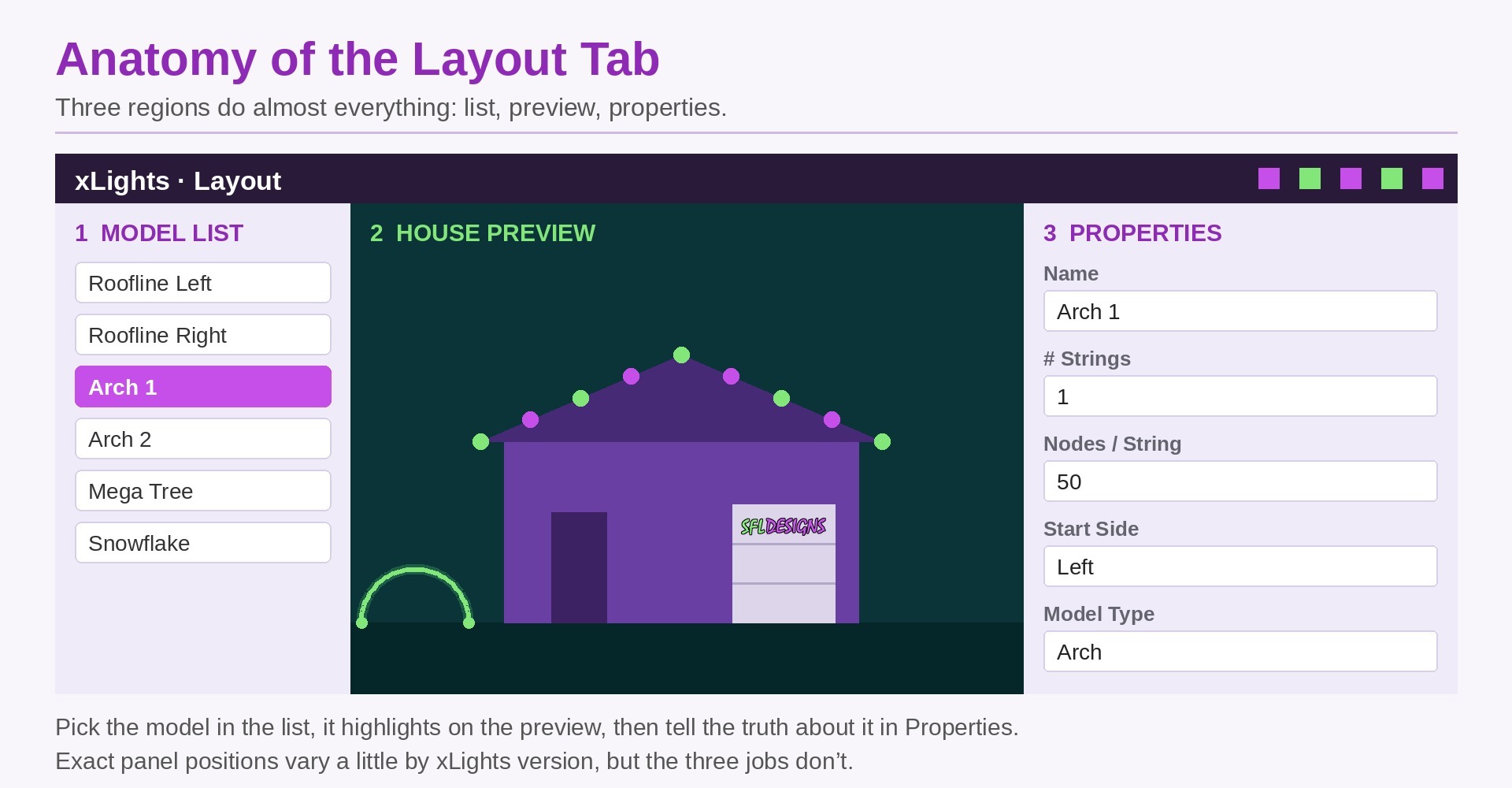
You create a model by picking its shape from the row of model tools above the preview (lines for rooflines and outlines, arches, trees, matrices, stars, and more), then drawing it on your preview where the real prop goes. Click the model and its settings open in the panel on the left, where you tell it the truth: how many pixels, how they're wired (which end the data enters matters), and what it's called.
That last part is the discipline that pays rent all season: name models exactly what you named them on your paper map. "Arch 1," "Arch 2," "Roofline Left." Future-you, sequencing at midnight in November, will be grateful to present-you.
Your first three models
Don't model the whole yard tonight. Do these three, slowly:
- The roofline. A line model along the eave. It teaches you drawing, pixel counts, and how a model sits on the preview.
- One arch. A simple curved model with a small pixel count. It teaches you shape and start-side: which physical end the data cable reaches first.
- The mega tree (or your biggest prop). It teaches you that one model can hold a lot of pixels, organized in strings, and it's the prop your whole show will lean on.
When those three sit on your house photo, looking roughly like your yard on show night, you've done the real work of this post. Controllers, channels, and uploading output come next Saturday. xLights will need to know where the brain lives before these models can light up for real. But nothing sequences well on a yard that doesn't exist yet, and now yours does.
Shop note: Draw the yard you actually have, not the yard from the listing photos. Measure the roofline, count the strings in the arch, and put the real numbers in the model. xLights believes everything you tell it: garbage counts in means garbage light out, delivered with total confidence.
An hour in Layout now saves five frustrated hours in the Sequencer later, that trade never stops being worth it. Open xLights this week. Draw the roofline. That's the whole homework, because the show you're proud of in December is standing on the drawing you make in October.
— Jason, SFL Designs
From our workbench to your display — print it, mount it, light it up.